
Orchestrate a RAG prototype using Airflow: transform your code into pipelines consisting of modular tasks and schedule them using time-based and data-aware scheduling.

Intermediate1h27m
Orchestrating Workflows for GenAI Applications
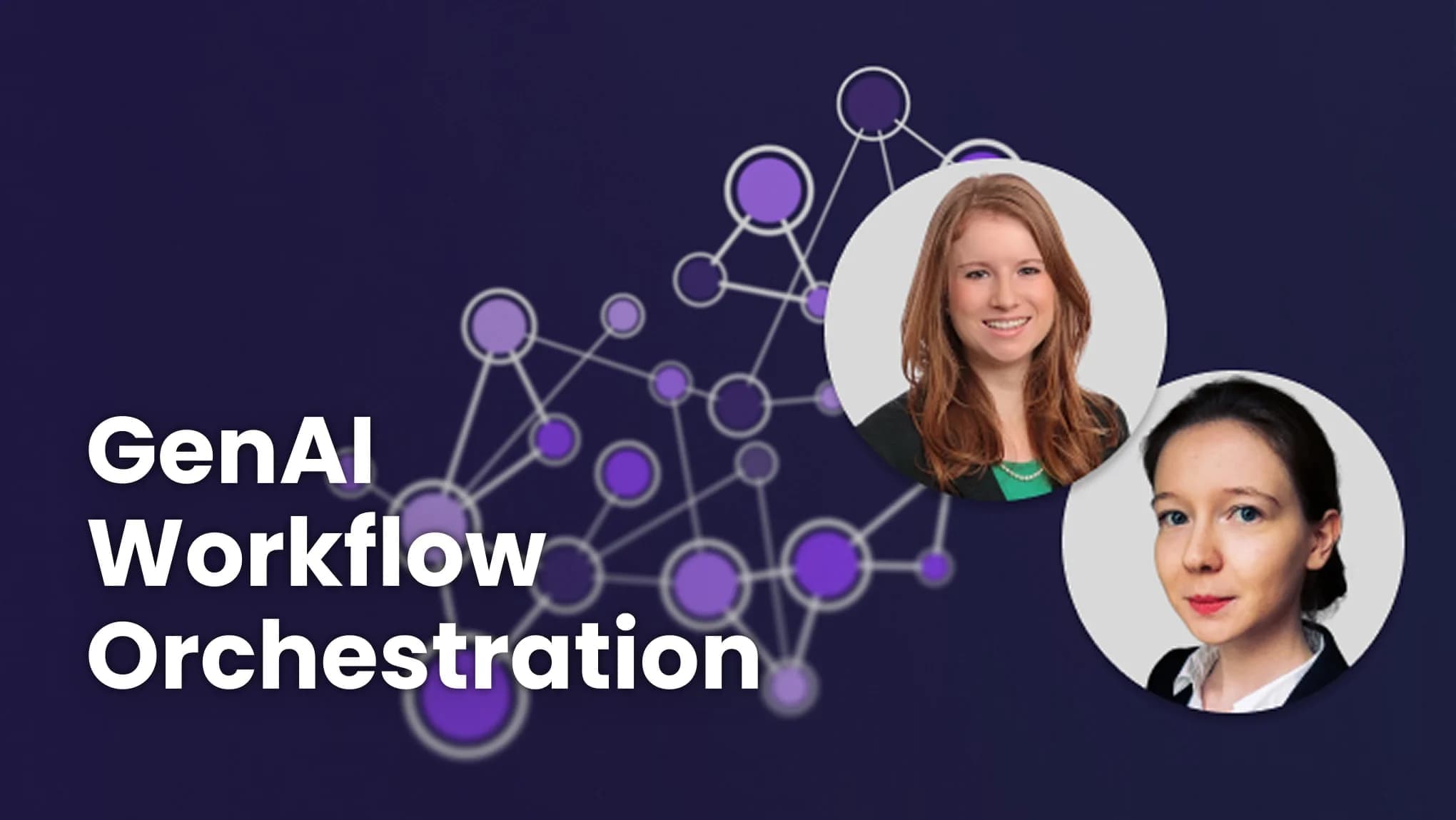
Instructors: Kenten Danas, Tamara Fingerlin

Earn an accomplishment with PRO · Updated Oct 7, 2025
- Intermediate
- 1h27m
- 11 Video Lessons
- 7 Code Examples
- 1 Graded Assignment PRO
- Earn an accomplishment with PRO
- Updated Oct 7, 2025
- Instructors: Kenten Danas, Tamara Fingerlin
 Astronomer
- Learn more aboutMembership PRO Plan
What you'll learn
Apply dynamic task mapping to run tasks efficiently in parallel and automatically adapt to new data sources.
Build robust pipelines by adding automatic retries and failure notifications to handle errors gracefully.
Course recap
PROThis course, built in partnership with Astronomer, teaches how to transform Jupyter notebook prototypes into production-ready automated pipelines using Apache Airflow. It covers the full lifecycle from a working RAG prototype (ingesting book descriptions, computing embeddings, loading into a vector database) to a scheduled, resilient, observable production pipeline.
Concept map
Key concepts
- Retrieval-Augmented GenerationThe course uses a RAG pipeline (embed book descriptions, load into Weaviate, query for recommendations) as the running example
- DAGs (Directed Acyclic Graphs)Airflow's representation of data pipelines; each DAG contains tasks with defined dependencies
- AtomicityDesign principle: each task should perform a single unit of work so failures can be isolated and recovered
- IdempotencyRunning the same DAG multiple times with the same input should produce the same output
- Dynamic task mappingCreating a variable number of parallel task instances at runtime based on data (e.g., one task per file)
- Data-aware schedulingUsing Airflow assets to trigger downstream DAGs when upstream data is updated
- EmbeddingsVector embeddings of book descriptions for semantic search in the RAG application
Lesson highlights
- 1.Introduction — Overview of orchestration needs for GenAI applications
- 2.From Notebook to Pipeline — Best practices for turning notebooks into production DAGs; atomicity, idempotency
- 3.Building a Simple Pipeline — Creating DAGs with @dag and @task decorators, exploring Airflow UI
- 4.Your RAG Prototype — Building a book recommendation RAG app with Weaviate and FastEmbed
- 5.Turning Prototype into Pipeline — Converting notebook cells into Airflow tasks with hooks and connections
- 6.Scheduling and DAG Parameters — Cron schedules, data-aware scheduling with assets, parameterized DAG runs
- 7.Make the Pipeline Adaptable — Dynamic task mapping with .expand() and .partial() for parallel processing
- 8.Prepare to Fail — Retries, retry delays, trigger rules, on_failure callbacks, backfill
- 9.GenAI Pipelines in Real Life — Ask Astro reference implementation, batch inference, event-driven scheduling
- 10.Optional: Local Airflow Setup — Setting up Airflow locally with Astro CLI and Docker
- 11.Conclusion
About this course
Learn to build and orchestrate a RAG pipeline in Orchestrating Workflows for GenAI Applications, built in partnership with Astronomer and taught by Kenten Danas (DevRel Senior Manager) and Tamara Fingerlin (Developer Advocate).
When building generative AI applications, it’s common to start in a Jupyter notebook or a Python script but to move into production, your AI workflows need to run reliably, adapt to changing data, and gracefully recover from failures.
In this course, you’ll learn how to turn a Retrieval Augmented Generation (RAG) prototype into a robust, automated pipeline using Airflow 3.0, a leading open-source orchestration tool.
You’ll build two workflows for a typical RAG application: one that ingests and embeds book description texts into a vector database, and another that queries that database to recommend books.
Along the way, you’ll learn how to break workflows into discrete tasks, schedule pipelines using both time-based and data-aware triggers, and process tasks in parallel with dynamic task mapping. You’ll also add retries, alerts, and backfills to handle failure scenarios. Lastly, you’ll explore how you can apply these best practices to other real-world GenAI applications such as batch inference. All of this is done using Airflow dags, which are pipelines, made up of tasks that run in a specific order, each with clear code logic and task dependencies.
In detail, you’ll:
- Apply the best practices to transform a GenAI prototype into automated and maintainable pipelines using Apache Airflow 3.0.
- Build and run a RAG prototype for book recommendation, inside a Jupyter notebook, which ingests and embeds book description texts, and recommends books based on user’s queries.
- Explore the underlying architecture of Airflow 3.0, build your first dags or pipelines, and track their status in the airflow UI.
- Convert your notebook-based RAG system into two standalone Airflow dags, one that ingests, embeds, and loads book descriptions to your vector database, and the other that queries the database.
- Schedule your first dag using time-based scheduling so that it runs automatically at a regular cadence, and your second dag using event-based triggers so that it runs when new data becomes available in the database.
- Use dynamic task mapping to create parallel task instances, making your pipeline more efficient and easier to troubleshoot.
- Add automatic retries to tasks to protect against transient failures (such as API rate limits) and learn how to add notifications in case a dag or task fails.
- Apply GenAI orchestration principles from real-world applications to scale your pipelines and improve performance over time.
By the end of this course, you’ll be able to design, build, and automate GenAI workflows using Airflow 3.0, ready for production.
Who should join?
This course is for AI builders who want to automate and deploy their GenAI prototypes more reliably. No Airflow experience is required, just familiarity with Python and an interest in moving to production-ready workflows.
Course Outline
11 Lessons・7 Code Examples- IntroductionVideo・3m
- From Notebook To PipelineVideo・9m
- Your RAG PrototypeVideo with Code Example・8m
- Building a Simple PipelineVideo with Code Example・11m
- Turning your Prototype into a PipelineVideo with Code Example・9m
- Scheduling and Dag ParametersVideo with Code Example・10m
- Make the Pipeline AdaptableVideo with Code Example・11m
- Prepare to FailVideo with Code Example・11m
- GenAI pipelines in Real LifeVideo・6m
- ConclusionVideo・1m
- Quiz
Graded・Quiz
・1m - Optional: How to Set up a Local Airflow EnvironmentVideo・3m
- Appendix - Resources, Help, and DownloadsCode Example・1m


Elevate your learning experience with Pro
Upgrade to Pro and gain unlimited accomplishments on your resume
Instructors



Course access is free for a limited time during the DeepLearning.AI learning platform beta!
Want to learn more about Generative AI?
Keep learning with updates on curated AI news, courses, and events, as well as Andrew’s thoughts from DeepLearning.AI!